Focused Phone + SMS
A compact neon-blue dialer, call history, SMS/MMS inbox, search, contact suggestions, message deletion with Undo, and Android or custom notification sounds.
A private Phone and SMS client built around a simple commitment: when you block a contact, changing that decision can require verification and a real waiting period.
 GUARD THE DECISION
Android 17 VM screenshots of the interface retained in the 3.1 release offered below.
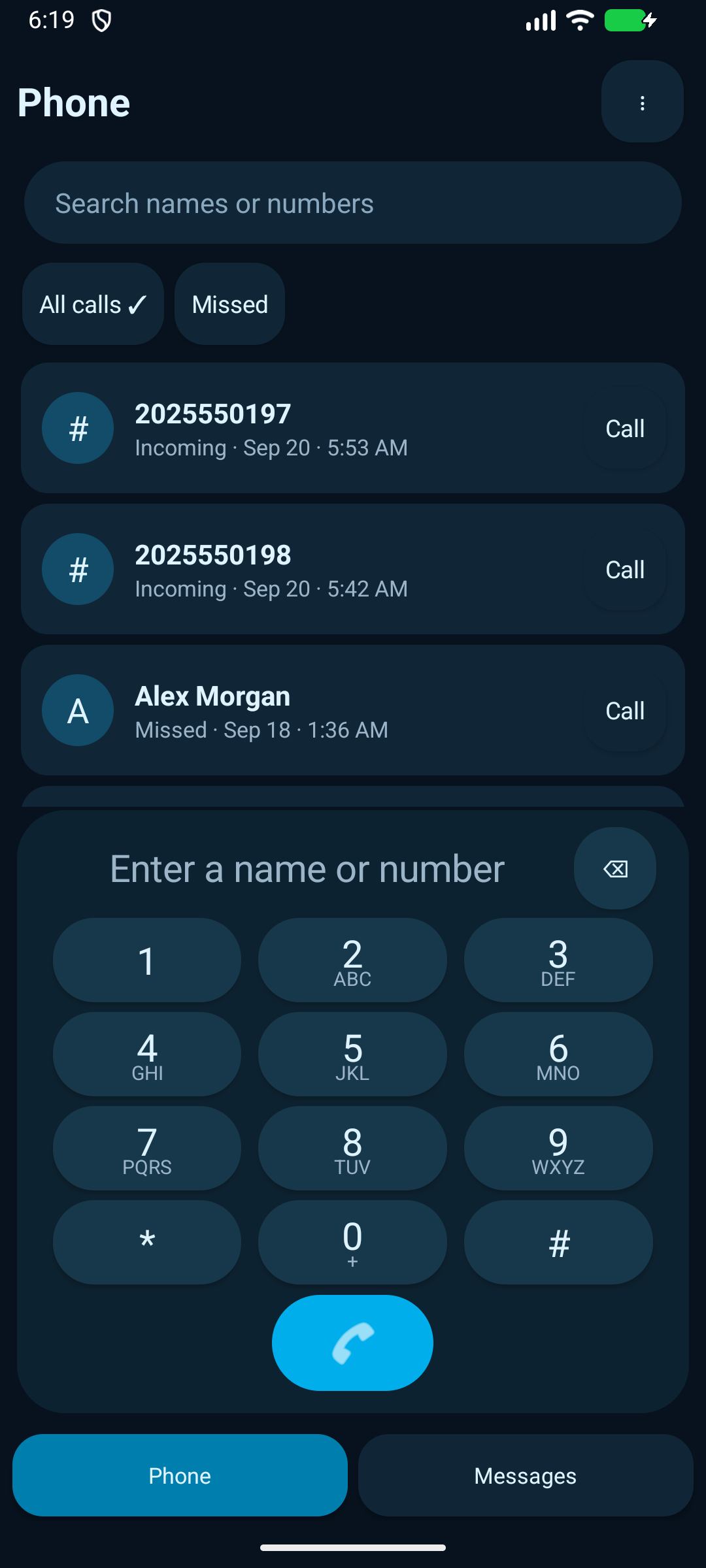
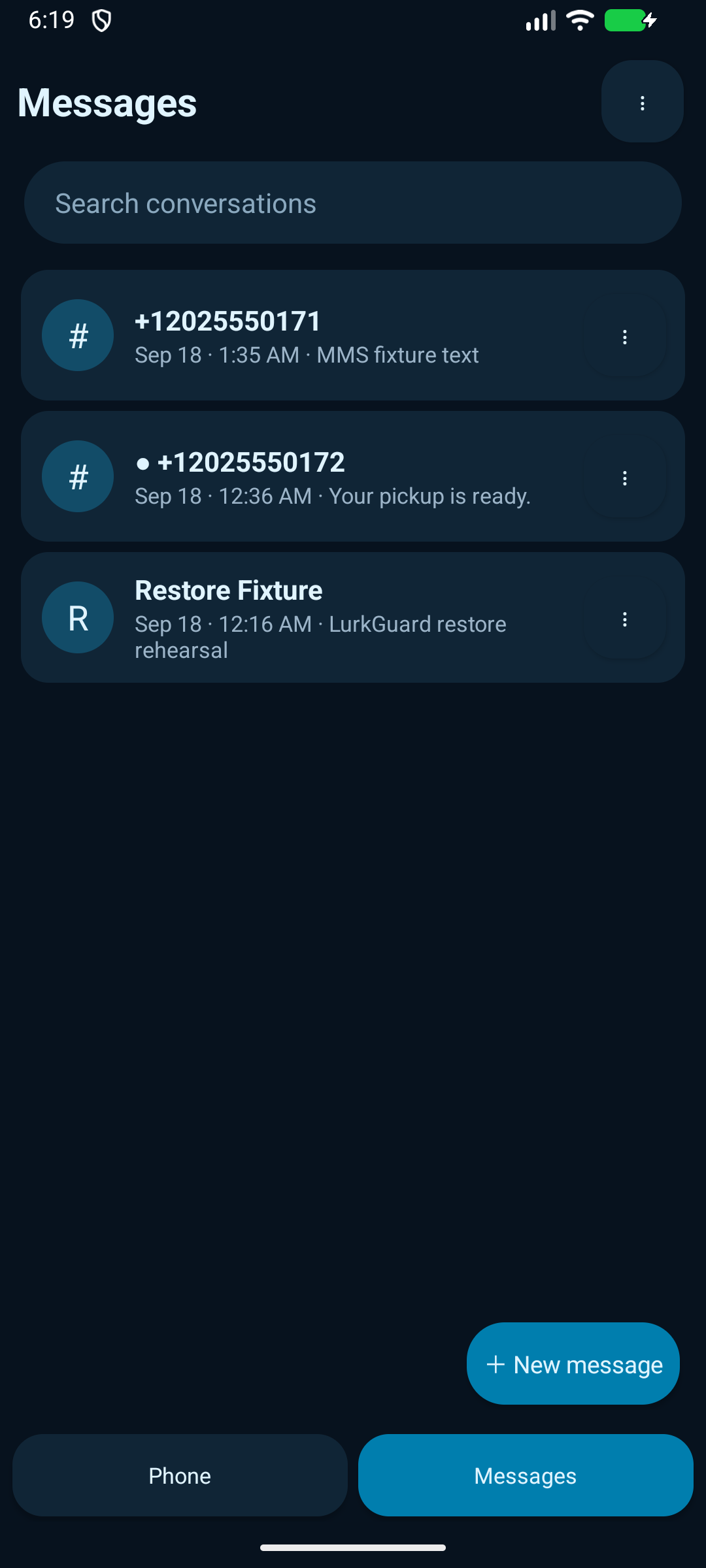
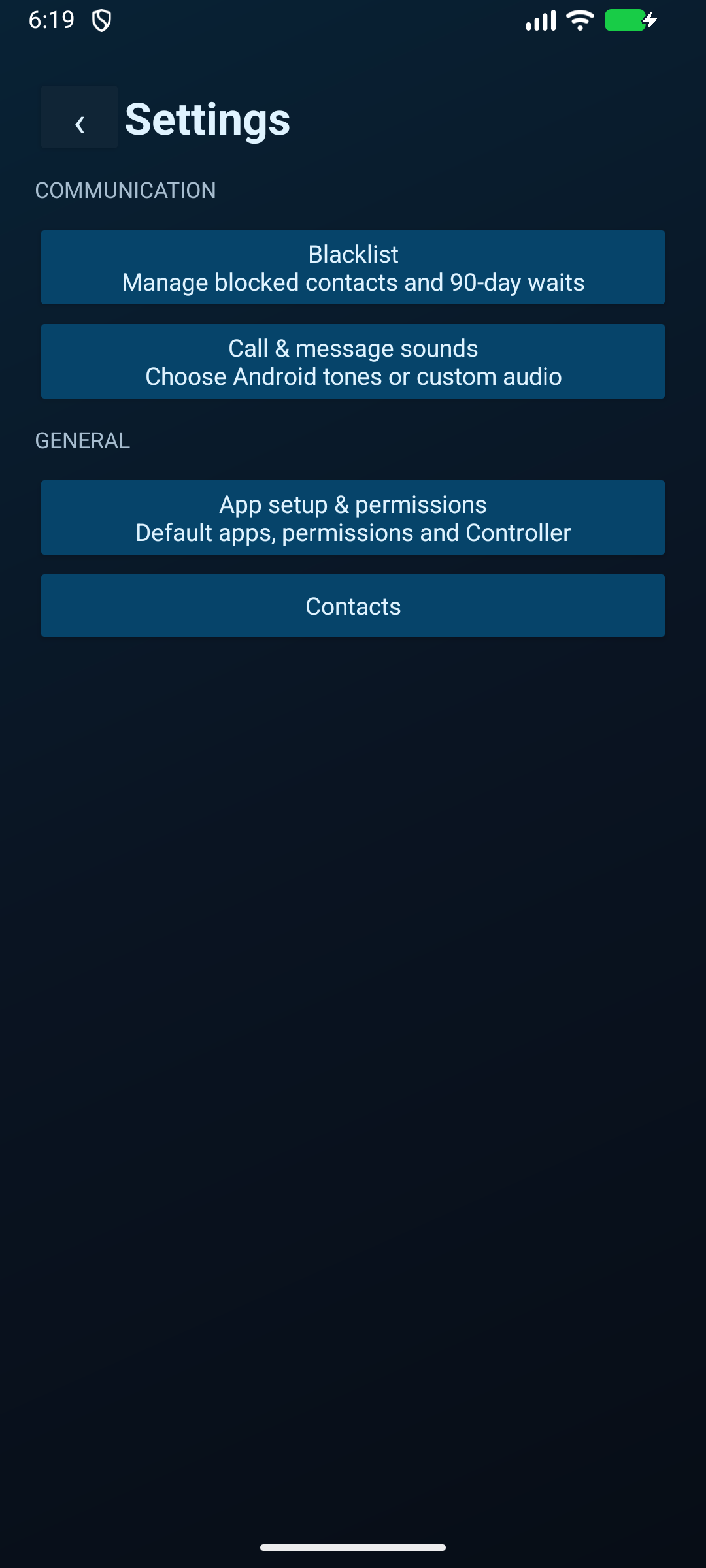
A compact neon-blue dialer, call history, SMS/MMS inbox, search, contact suggestions, message deletion with Undo, and Android or custom notification sounds.
Block incoming cellular calls and SMS/MMS for selected numbers. An unblock request requires biometric verification plus the Blacklist PIN, then waits 90 device-on days.
Cancel a pending unblock and keep the contact blocked with the Blacklist PIN. A later request starts a fresh waiting period.
The separate Controller can protect LurkGuard from uninstall, clear-data, force-stop, and default-app changes when it is enrolled as Android Device Owner.
Blacklist state, PIN material, messages, and call history stay on the device. LurkGuard has no hosted message or blacklist backend.
An optional Gemini writing area can use selected-message context and insert a suggestion into a draft. It requires your own Gemini Developer API key.
LurkGuard supports carrier SMS/MMS and cellular calls. It does not support RCS, Google spam screening, visual voicemail, or Internet-app blocking.
Both release APKs are non-debuggable. Verify the SHA-256 value before installing.
The Phone, SMS/MMS, Blacklist, sounds, and writing-assistant application.
c7fa7b09f4f09eeb42d3131c3cf358bf3805003d50478084240ac12e7adb65b3Optional Device Owner policy app for uninstall and settings protection. A normal sideload is intentionally inert.
d4bada3d0c13b43464b00c9c5ffca745963108b1620ed29958c98855d6946202The Controller can also be installed normally, but it cannot enforce policy without Device Owner enrollment.
adb install LurkGuard-Controller-1.1.apk
adb shell dpm set-device-owner local.lurkguard.controller/local.lurkguard.controller.AdminReceiver
adb shell dpm list-owners
adb install LurkGuard-3.1.apkAdds the one-time, privacy-preserving installation handshake used by the Lurk Safety Center. The check returns only that LurkGuard is installed and its version.
Adds safe Open in LurkGuard actions for Lurk profiles, discussions, rooms, and reports. Website links open the matching message, call, or Blacklist screen and still require confirmation in LurkGuard.
Moves Blacklist, sound controls, app setup, Controller access, and Contacts into a Google Phone-inspired Settings screen. The main navigation now focuses on Phone and Messages.
Keeps dialed numbers prominent while rendering ABC/DEF letter groups smaller and muted.
Introduces the always-open Android-style dialpad and modern in-call controls.
Adds ringtone/message tone selection, custom audio files, and a full-screen active-call interface.
Adds swipe-to-delete, instant removal animation, five-second Undo, and the optional Gemini writing workspace.
Adds the two-app Device Owner design and 90-device-on-day removal request flow.
npm ci
npm run build
npm start
# Open http://localhost:8080/lurkguardThis repository's render.yaml sets autoDeploy: true and builds the Next.js static export before starting the Express server. A push to the connected production branch triggers a new deploy automatically.
You do not need to press Manual Deploy after a successful automatic build. Use Render's Manual Deploy → Deploy latest commit only when auto-deploy is disabled, cancelled, or failed before the new commit was published.